
How to clean a CSV email list before importing it
Remove blank rows, duplicates, spaces and malformed addresses before importing a CSV into an email tool. A practical checklist for a cleaner list.
Ama Mundum LLC Team5 min read
An email platform can import a CSV in seconds. That does not mean the file is ready to import.
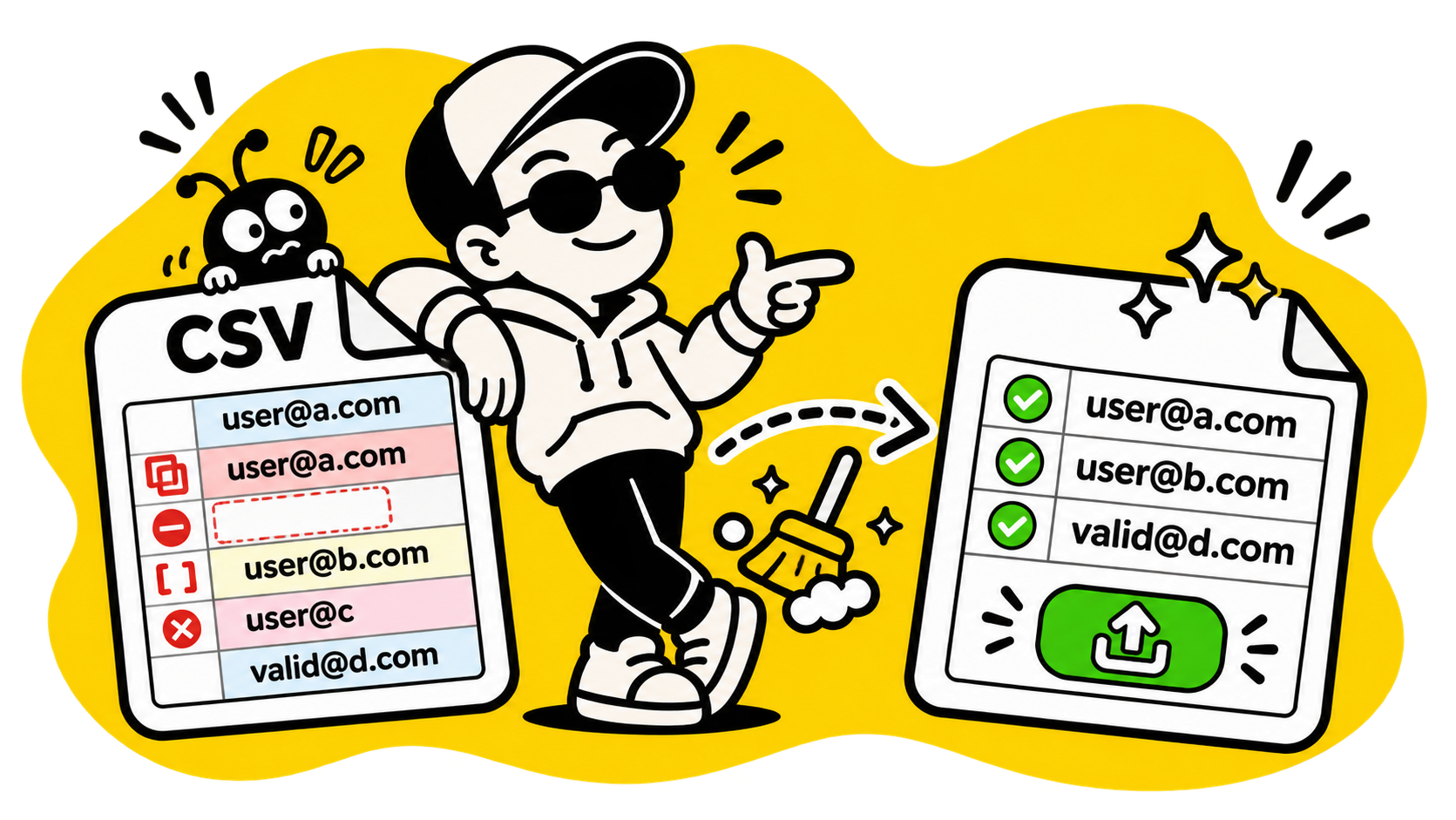
Lists assembled from forms, spreadsheets and event registrations tend to collect blank rows, duplicate addresses, spaces and small variations of the same person. Cleaning those first prevents a messy import and makes the final count more honest.
What a clean row looks like
At minimum, a row needs one address in a column that the importing system can identify. A useful list might also contain a name, company or consent date, but those extra fields should not hide a basic problem with the address itself.
These are different kinds of errors:
| Row | Problem |
|---|---|
maria@example.com | Usable address shape |
maria@example.com | Spaces around the address |
MARIA@example.com | Usually the same address as the lowercase version |
maria@@example.com | Malformed address |
| Empty row | No contact at all |
The last three should not become three subscribers. One is a duplicate variation, one is invalid and one is empty.
Duplicates are not more reach
If the same address appears twice, an email provider may deduplicate it, reject the import or count it as two rows while billing you for one contact. The outcome depends on the provider, but none of the outcomes makes the list better.
Duplicates often arrive because the same person registered twice or because two exports were combined. Compare addresses after trimming spaces and ignoring case. Treat the address as the identifier; names can differ while the inbox is the same.
The CSV Email List CleanerOpen tool is designed for this pass: identify the email column, remove blank and invalid rows, and collapse repeated addresses before you download the result.
Do not throw away useful columns too early
A clean email column is not the same thing as a useful customer list. Keep the columns you may need for personalization or consent records, even if the cleaning step only validates the addresses.
Before importing, check that:
- the header row is actually a header;
- names are in the expected columns;
- dates use a consistent format;
- there are no formulas where plain values are required;
- the file is saved as CSV rather than a private spreadsheet format.
If the source has first and last names in separate columns, combine them only when the destination expects one full-name field. CSV Column MergerOpen tool can do that without manually copying hundreds of rows.
A valid-looking address is not a consenting subscriber
Syntax checks can catch missing characters and broken domains. They cannot prove that a person asked to receive your messages, that the inbox exists or that you have permission to contact it.
Keep the source and consent information you need for your own records. Cleaning a CSV improves its structure; it does not create permission.
The final count should be explainable
Write down the numbers before and after cleaning:
Rows in original export:       4,820
Blank rows removed:                31
Invalid addresses removed:        74
Duplicate addresses removed:     219
Rows ready to import:           4,496
The exact categories will vary, but the arithmetic should reconcile. If it does not, you may have lost a column, imported a header as a contact or cleaned the same file twice.
A smaller list with clear provenance is more useful than a larger list whose rows nobody can explain.