Can a PDF give you a virus?
Yes. A PDF can carry scripts and attached files, and attacks usually rely on an outdated reader. Why a picture of a page cannot run code, and how to use that.
Ama Mundum LLC Team3 min read
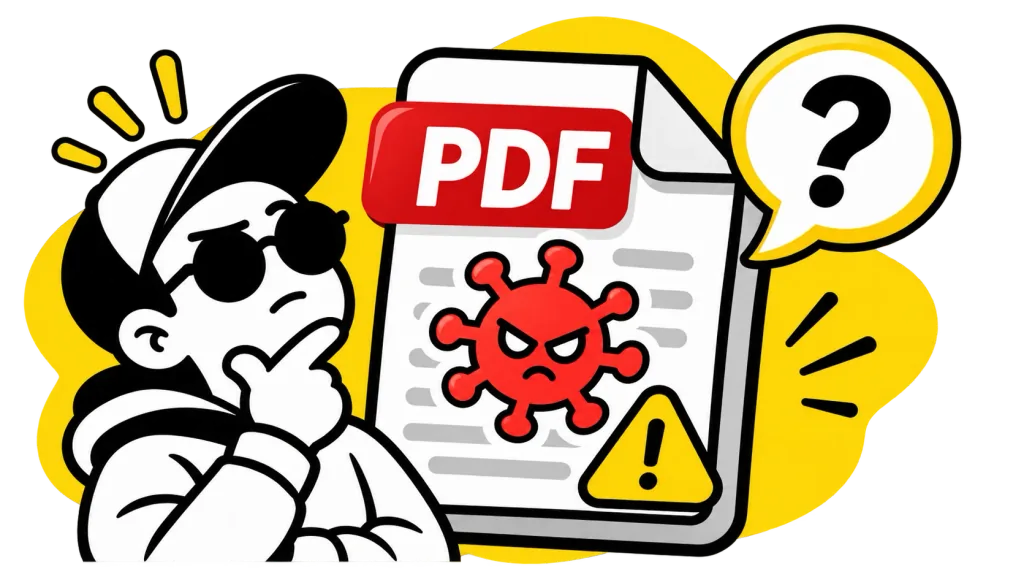
Yes. A PDF is not just a picture of a document. It is a set of instructions for drawing pages, and the format allows it to carry things that can be dangerous: scripts that run when the file opens, other files attached inside it, links to websites, and forms that send what you type somewhere else.
Most of the time those features are harmless. A form that adds up a total is using a script. The danger comes from a file built to exploit a bug in the software reading it.
How a PDF actually infects anything
A PDF on its own does nothing. It needs a reader, and an attack is almost always aimed at a weakness in that reader rather than at you. That is why the oldest advice is still the best: keep whatever you open PDFs with up to date.
Even the PDF engine built into Firefox had one. A flaw in PDF.js, tracked as CVE-2024-4367, let a specially made file run JavaScript through the way it handled fonts. It was fixed in 2024, in PDF.js 4.2.67 and Firefox 126.
The other common trick needs no bug at all. A link inside the PDF takes you to a fake login page, or the document asks you to open a file attached inside it. Those only work if you click.
Signs a PDF deserves suspicion
- You were not expecting it, or it came from an address you do not recognize.
- It asks you to enable something, press a button to "view the document", or open an attachment.
- It is unusually large for an invoice of one or two pages.
- Your reader warns that the file is trying to open a website or run something.
If a PDF fails these, the safest thing to do with it is delete it.
A safe copy: turn every page into a picture
Here is the useful part. An image file has nowhere to keep a script. A JPG is a grid of colored pixels and nothing else, so a picture of a page cannot run code, follow a link or open an attachment.
So when you need what a document says but do not trust the file it came in, turn it into pictures and build a new PDF from them:
- Export every page as an image with PDF to JPGOpen tool. The pages arrive as JPGs in a ZIP.
- Put them back together with Image to PDFOpen tool. The new file holds your pages and nothing else.
- If you need to search or copy the text again, run that file through OCR PDFOpen tool, which reads the words back off the pictures.
The rebuilt copy loses everything interactive along with everything risky. Links stop working, form fields become flat, and the text cannot be selected until OCR has put it back.
What our tools do with the file
All three run in your browser, and nothing is uploaded. They use PDF.js version 5, well past that 2024 fix, and they only draw the pages: the part of PDF.js that runs a document's own scripts belongs to its viewer, and our tools never load it.
None of that is a promise that any file is safe to open, anywhere. If you think a PDF is genuinely malicious, do not open it at all. If you need its contents anyway, the copy made of pictures is the one to keep.